A Verisure alarm that goes off for no apparent reason causes stress and, if it happens repeatedly, leads to unnecessary calls to the monitoring center. Understanding the difference between disarming the system and silencing an active siren helps you respond quickly and prevent the problem from happening again.
Alarm verification and monitoring: what happens when the siren sounds
Before looking for your tag or phone, it helps to understand what happens at the monitoring center. In France, the siren alone does not trigger a police response. Article L. 613-6 of the French Internal Security Code requires the monitoring center to verify the alarm before taking further action.
In practice, the monitoring operator receives images captured by the photo detectors and tries to contact the account holder. Until the alarm has been verified, neither the police nor the gendarmerie will be dispatched. Answering the center’s call promptly and confirming that it is a false alarm may be enough to close the incident, even if the siren has not yet been physically silenced.
This procedure explains why it’s useful to know how to stop a Verisure alarm using the right method rather than unplugging a cable or removing a battery in a panic.
Disarming a Verisure alarm: tag, app, and remote control
Disarming the system tells it that an authorized person is present. There are three ways to do this, each suited to a specific situation.
The tag reader
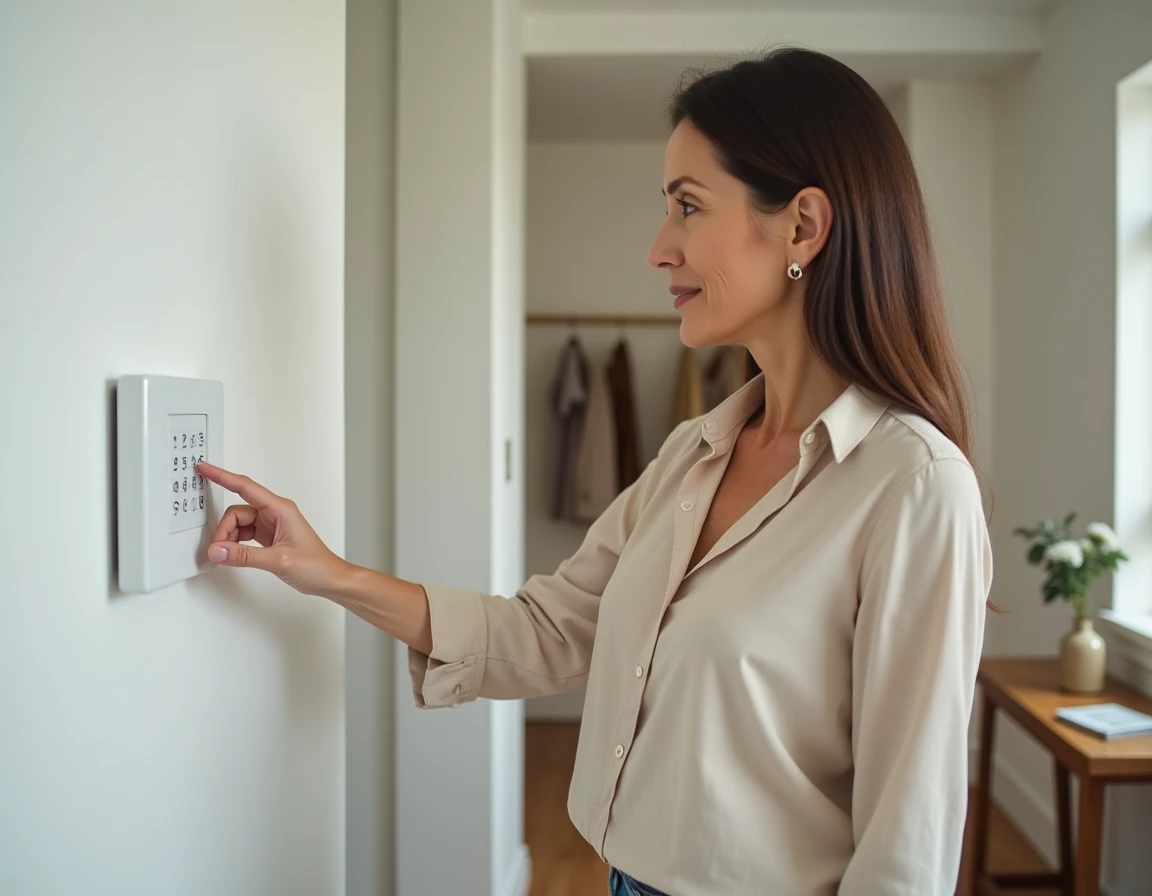
This is the quickest option when you’re at home. Hold the RFID tag in front of the wall-mounted reader to disarm the control panel instantly and silence the siren if it’s sounding. It takes less than two seconds and requires no code.
The My Verisure app
You can use the app on your smartphone to disarm the system remotely. This method requires the control panel’s network connection to be working. If your internet connection is down or the mobile network built into the control panel has failed, the command sent from the app may never arrive. Be sure to check the status shown in the app after sending the command.
The remote control
The remote control supplied by Verisure has a disarm button that works near your home. It uses radio frequency and operates independently of your internet connection, making it a reliable backup when the app isn’t responding.
- Lost tag: use the app or remote control, then contact customer service to deactivate the lost tag and order a replacement.
- Remote control and tag unavailable: disarm the system through the app, or call the monitoring center directly so it can operate the system remotely.
- No working access method: call the monitoring center. The operator will verify the account holder’s identity before taking any action on the control panel.
Common causes of false Verisure alarms
An occasional false alarm is nothing unusual. Repeated alarms point to a configuration or environmental issue that needs to be identified.
Misplaced or disrupted detectors
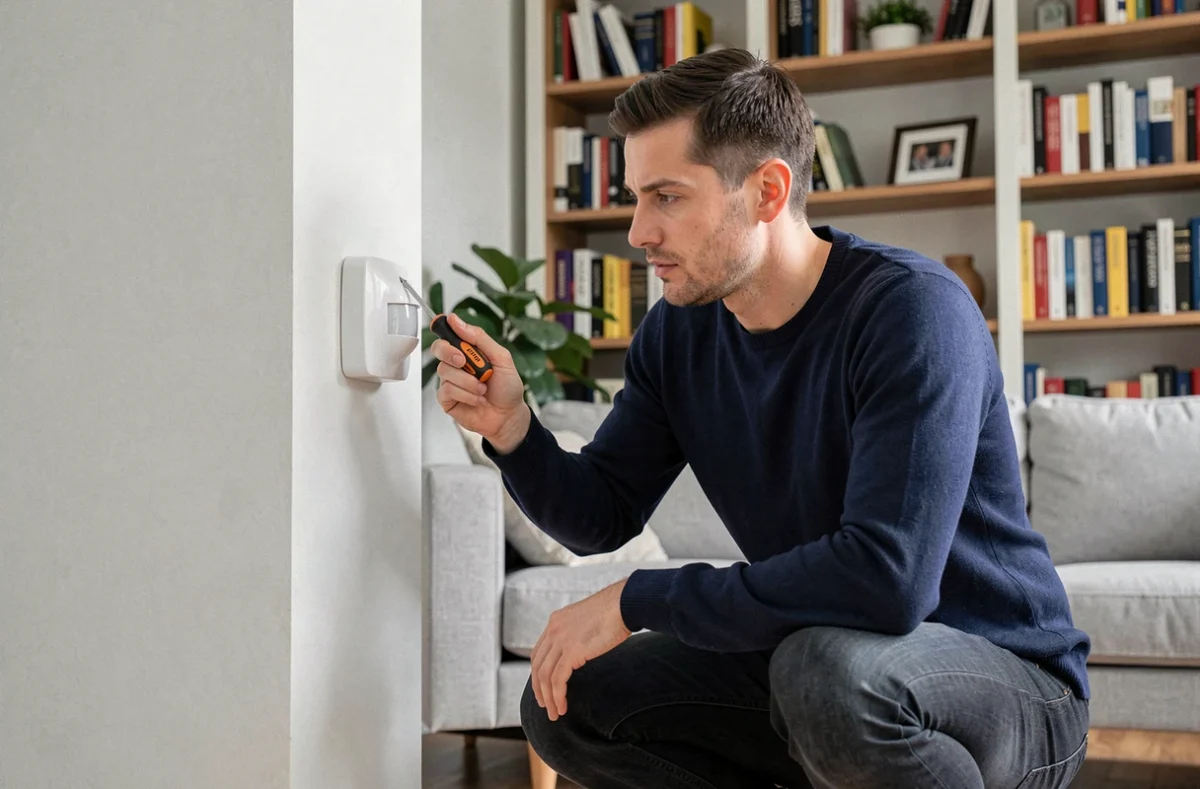
A motion detector aimed at a heat source (such as a radiator or a sun-facing glass door) may interpret a change in temperature as movement. A pet passing through its detection area can have the same effect if the sensor isn’t set to pet-friendly mode.
Renovations or even simply rearranging furniture can change the areas covered. After making a significant change to a room, have the sensor positions checked to avoid weeks of false alarms.
Low batteries and interference
A detector with a low battery may send erratic signals to the control panel. The My Verisure app normally displays the battery level of each device. Replacing a battery as soon as it’s flagged as low eliminates a common cause of unexplained alarms.
Drafts and vibrations
Opening detectors fitted to ill-fitting doors or windows can react to vibrations caused by the wind. The magnetic contact separates by a few millimeters, the control panel registers an opening, and the alarm is triggered. Tightening the fittings or securing the window frame can solve the problem without a technician’s help.

Testing your Verisure alarm without triggering monitoring
After making a correction (repositioning a detector, replacing a battery, or changing the layout), you need to confirm that the system is working properly. Running a test without notifying the monitoring center amounts to triggering a false alarm that will be treated as a real event.
Contact the center before testing to put the system into test mode. In this mode, alarms are recorded but don’t generate a call or response. Once the test is complete, call the center again to return the system to active monitoring.
This precaution also applies to seasonal checks. Testing each detector once or twice a year in test mode confirms that the entire system is working and reduces the risk of a false alarm when detection really matters.
When to call Verisure technical support
If alarms continue despite your checks, the problem may lie with the control panel itself or with interference between devices. Verisure technical support has remote diagnostic tools that can identify which sensor is sending abnormal signals and how often.
A technician can also adjust detector sensitivity or recommend repositioning them to suit your home’s layout. Verisure subscribers can contact customer service through their online account or by phone.
An alarm system that regularly goes off for no reason will eventually be ignored by the people who live with it, defeating its primary purpose. Treating every series of false alarms as a maintenance warning, rather than a mere nuisance, is the best way to keep your system reliable over time.